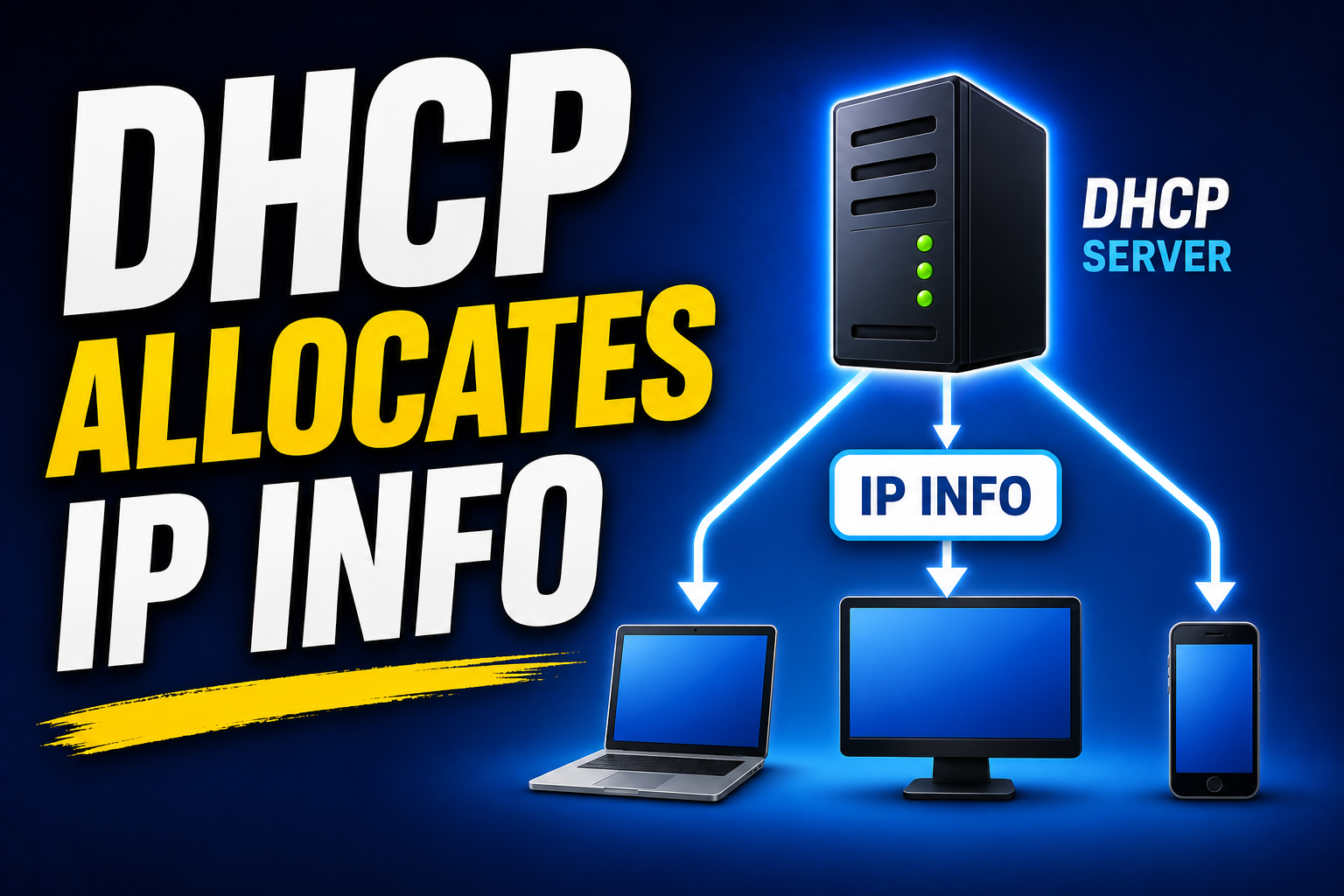
In this lab, students will learn how DHCP (Dynamic Host Configuration Protocol) automatically assigns IP addresses & network settings to devices on a network. By configuring a DHCP server in Cisco Packet Tracer, students will understand how to create an IP address scope, define key network parameters such as the default gateway & DNS server, and verify that client devices receive valid network configurations. They will also practice testing connectivity, identifying common DHCP issues, & recognizing how DHCP simplifies network management in real-world IT environments.
Configuring a DHCP Server | Cisco Packet Tracer Lab
Tagged:Cisco Packet Tracer


