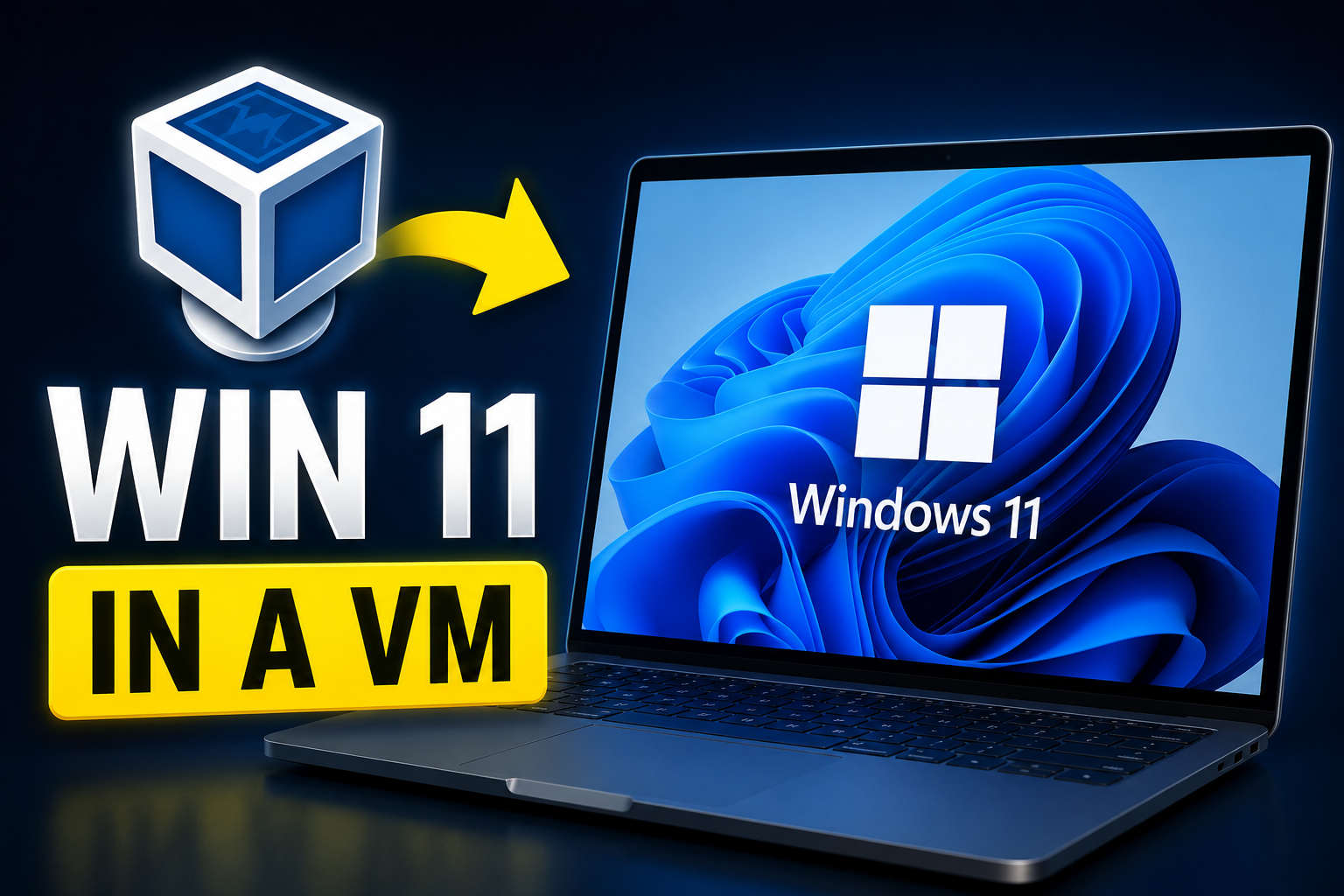
In this lab, students will gain hands-on experience installing & configuring Windows 11 in a virtualized environment using VirtualBox or Hyper-V. They’ll learn how to:
- Download & prepare a Windows 11 ISO image from Microsoft’s official site.
- Create & configure a virtual machine, assigning proper CPU, RAM, & storage resources to ensure system stability & performance.
- Install & customize the Windows 11 operating system inside the VM.
- Verify system functionality, including network connectivity, display configuration, & guest additions or integration tools.
By the end of this lab, students will understand the fundamentals of virtualization, the Windows installation process, & how to set up an isolated test environment safely – essential skills for IT professionals who perform OS installations, troubleshooting, & lab testing real-world scenarios.