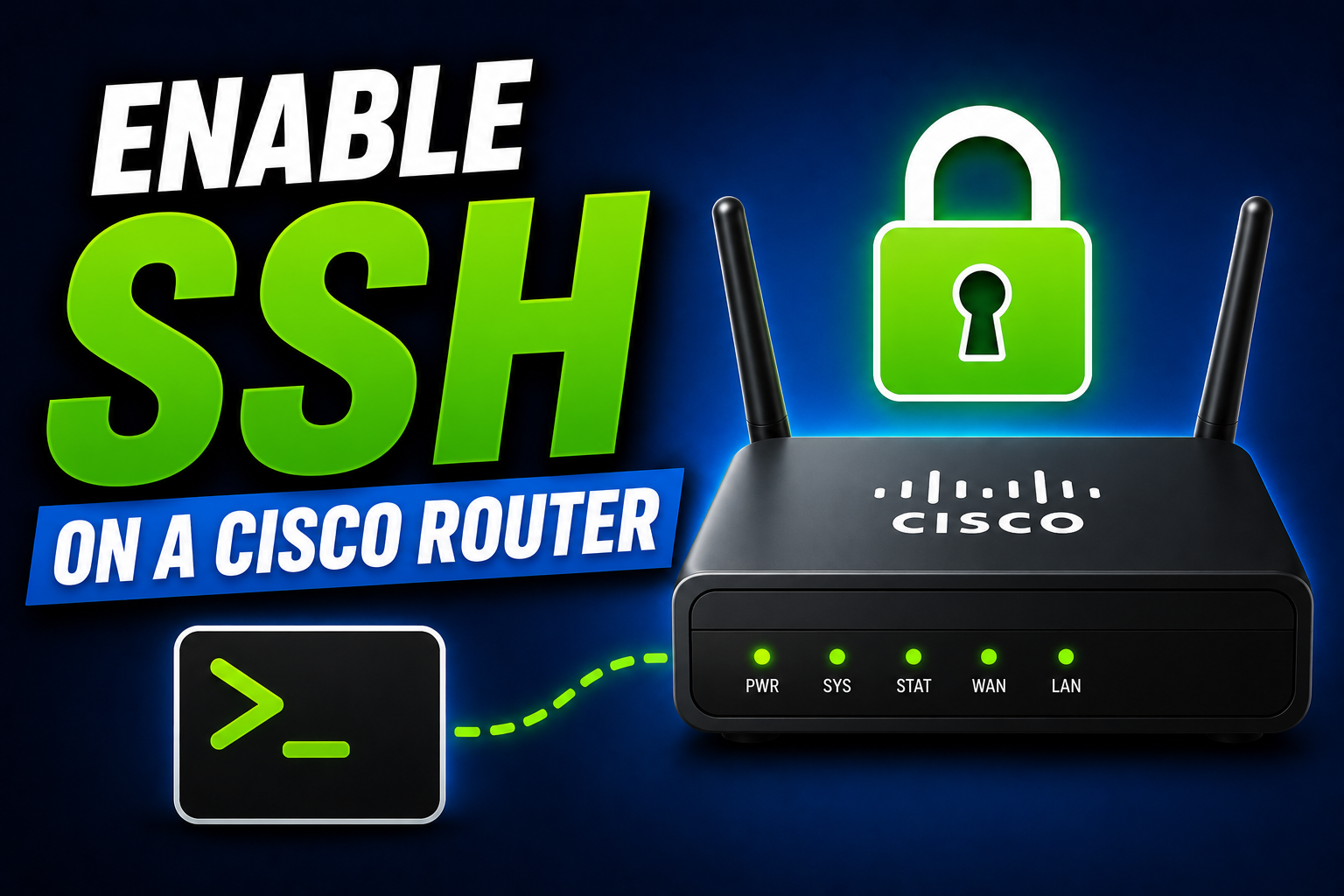
In this lab, students learn how to securely access & manage a Cisco router by configuring SSH (SecureShell) instead of using insecure protocols like Telnet. They will practice assigning IP addresses, verifying network connectivity, generating RSA cryptographic keys, creating local user accounts, & enabling SSH access through the router’s VTY lines. By completing this exercise, students gain hands-on experience with foundational network security practices & learn how real IT technicians securely connect to and manage network devices in professional environments.
Configure SSH Access on a Router | Cisco Packet Tracer Lab
Tagged:Cisco Packet Tracer

Related Posts
Save Router Configurations Using FTP | Cisco Packet Tracer Lab
November 22, 2026
Configure Telnet Access on a Router | Cisco Packet Tracer Lab
November 21, 2026


